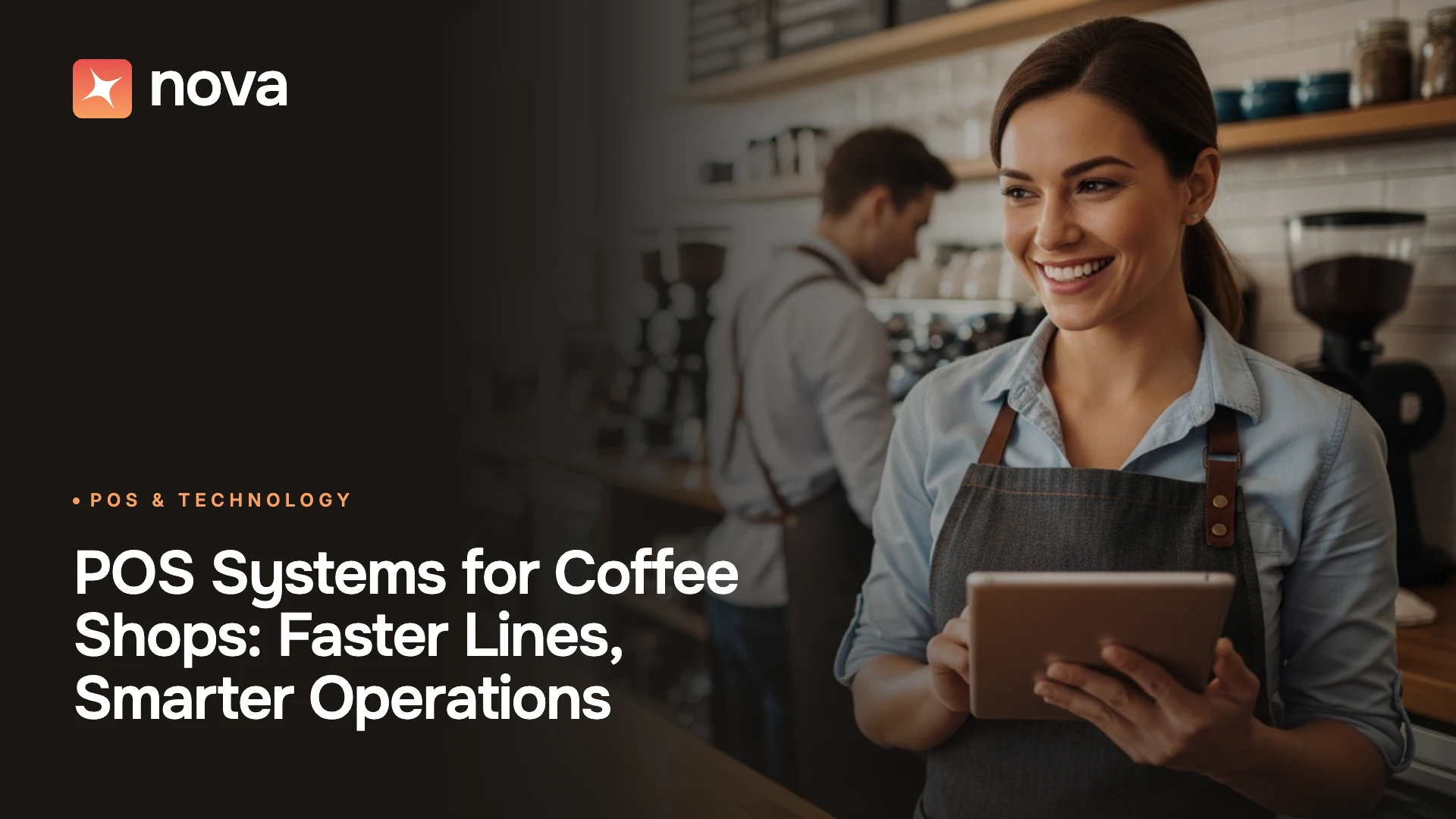

A POS system for coffee shops has one job that sounds simple and rarely is: keep a line of modifier-heavy drink orders moving fast, accurately, and profitably, across the counter, the drive-thru, the kiosk, and the app. In 2026, that job got harder. Coffee demand is at record highs, but so are ingredient and labor costs, and more guests than ever expect to order from their phones.
The numbers make the case. According to the National Coffee Association's Fall 2026 National Coffee Data Trends report (released September 2026, fielded June 2026), 66% of American adults drank coffee in the past day, 48% had a specialty coffee in the past day (a record), and 40% of past-week out-of-home coffee buyers ordered through a mobile app, also a record. At the same time, the National Restaurant Association reports that more than 9 in 10 operators call food costs, labor costs, and swipe fees significant challenges heading into 2026.
That combination changes what you should expect from a POS system for coffee shops. It can no longer be a register with an attached card reader. It has to predict demand, reduce waste, personalize service, and run loyalty that feels relevant.
This guide covers what a coffee shop POS system is, the 2026 market data, must-have features, what a POS system for coffee shops really costs, how AI is changing the category, and a framework for choosing the right platform.
What Is a POS System for Coffee Shops?
A POS system for coffee shops is the software and hardware a café uses to take orders, process payments, route drinks to baristas, track ingredient inventory, manage staff, and run loyalty and marketing, all from one connected platform. Unlike a generic retail POS, a coffee shop POS is built around high-volume, low-ticket transactions and drink customization: sizes, milk alternatives, extra shots, syrups, and temperature changes that must flow to the bar without errors.
A modern coffee shop POS system typically includes:
- Front-of-house ordering: countertop terminals, handhelds for line-busting, self-order kiosks, and online or app ordering.
- Payments: card, contactless, digital wallets, gift cards, and cash handling.
- Order routing: a kitchen display system (KDS) or bar display that sequences drinks for baristas.
- Back office: recipe-level inventory, menu management, reporting, and labor scheduling.
- Guest engagement: loyalty, customer profiles, and targeted marketing.
Coffee Shop Market Data: Why Your POS Choice Matters More in 2026
Before comparing features, understand the environment your POS system for coffee shops has to support.
What the Data Means for Café Operators
Demand is shifting toward handcrafted, higher-margin drinks. Toast's same-store data shows latte sales grew 4.0% and espresso shots 3.3% in 2025 versus 2024, while regular hot drip coffee fell 3.3% (Toast, March 2026). Espresso drinks carry more modifiers, which puts more pressure on order accuracy and bar sequencing. A POS system for coffee shops needs fast, error-proof modifier screens.
Off-premises channels are now core, not optional. With 55% of out-of-home coffee buyers using the drive-thru and 40% ordering via app, your coffee shop POS system must unify counter, drive-thru, kiosk, and digital orders into one queue and one set of reports.
Costs are squeezing margins. Green coffee remains expensive: the International Coffee Organization's composite indicator price averaged 248.90 U.S. cents per pound in June 2026 (ICO Coffee Market Report, June 2026). Every wasted pitcher of oat milk or over-pulled batch of cold brew now costs more, which is why inventory intelligence is one of the most valuable capabilities in a POS system for coffee shops.
The Evolution of the POS System for Coffee Shops
Not too long ago, coffee shop owners viewed a POS system for coffee shops as little more than a billing machine. They printed receipts, tracked a handful of transactions, and maybe produced some basic sales data. That was it.
Then came cloud-based POS. Owners could view sales from their phones, track inventory in real time, and accept cards, wallets, and mobile payments. For independent cafés, that visibility was a major step forward.
Now the category is entering the AI-native era. This is where a POS system for coffee shops becomes a true business partner. It does not only record what happened; it helps forecast what will happen next. It identifies trends, suggests promotions, and prompts baristas to upsell at the right moment. The role of the POS has moved from "helping you get through the day" to actively shaping growth and the guest experience.
Must-Have Features in a Coffee Shop POS System
Use this checklist to evaluate any POS system for coffee shops.
Speed and Drink Customization
Speed is where a POS system for coffee shops earns its keep. Look for:
- Quick-service order screens with one-tap favorites for top sellers.
- Forced and optional modifiers for size, milk, shots, syrups, sweetness, and temperature, so a barista cannot send an incomplete drink.
- Line-busting handhelds that let staff take orders in the queue or the drive-thru lane.
- Offline mode so the café keeps selling if Wi-Fi drops during the morning rush.
Payments and Tipping
A POS system for coffee shops should accept every way guests want to pay:
- Contactless, chip, and digital wallet acceptance.
- Built-in tip prompts with configurable percentages and tip pooling reports.
- Cash handling that still works well. The Federal Reserve's 2026 Diary of Consumer Payment Choice (survey conducted October 2025) found cash still accounts for roughly 1 in 7 U.S. payments, while credit and debit cards make up about two-thirds.
Omnichannel Ordering
In a unified POS system for coffee shops, every channel lands in one queue:
- Self-order kiosks, a branded mobile app, and online ordering that feed the same queue.
- Drive-thru support with order timing.
- Order-ahead pickup flows, such as NOVA's check-in pickup orders, that fire drinks when the guest arrives so they are fresh, not sitting on the counter.
Inventory and Recipe Management
Ingredient control is where a POS system for coffee shops protects margin:
- Recipe-level depletion (beans, milk, syrups, cups, lids) with every sale.
- Low-stock alerts and purchase suggestions.
- Waste logging to track spoiled milk, pastries, and batch brew.
Loyalty, CRM, and Marketing
In the best POS system for coffee shops, retention tools are native, not bolted on:
- Digital loyalty tied to customer profiles across every channel.
- Segmentation for targeted offers (for example, chai drinkers or lapsed regulars).
- Automated campaigns triggered by behavior.
Labor and Reporting
Finally, a POS system for coffee shops should help you control your highest controllable cost:
- Scheduling based on forecasted demand.
- Time clock, labor cost percentage, and sales-per-labor-hour reports.
- Multi-location dashboards if you plan to grow.
How AI Is Transforming the Coffee Shop POS System
AI is becoming part of everyday café operations, in ways that are simple, useful, and tied directly to the guest experience. Here is where AI adds value in a modern POS system for coffee shops.
Personalized Recommendations
A regular walks in and the system already knows their order history. A quick screen prompt offers, "Your usual iced vanilla latte?" or suggests a seasonal add-on. This small nudge creates familiarity and increases order value, and a POS system for coffee shops that stores order history makes it effortless. Research from Toast supports the approach: 48% of diners say they feel valued when they are remembered by name or usual order, more than double the 22% who prioritize loyalty points (Toast, 2026).
Predictive Inventory
One of the toughest challenges for coffee shops is balancing supply and demand. Run out of oat milk during peak hours, and you lose sales; overstock it and it spoils. An AI-powered POS system for coffee shops predicts expected usage based on past sales, day of the week, seasonality, and other signals. That means fewer stockouts and less waste. Waste is a real cost center: ReFED estimates U.S. restaurants and foodservice generated 12.5 million tons of surplus food in 2024.
Dynamic Pricing and Promotions
Cafés can use AI to deliver time-based offers, like a discounted cold brew during a late-afternoon lull, or targeted rewards for frequent guests. Promotions feel personalized instead of random, and they protect margin by filling slow dayparts rather than discounting peak hours. For a deeper look at this approach, see our guide to filling your worst shifts with targeted promotions.
Intelligent Decisions Powered by Data
With AI-driven reporting built into a POS system for coffee shops, café owners get clear insight into which drinks sell best, when guests arrive, and how staffing should adjust. There is less guessing and more actionable direction.
Smart Menu Engineering
Menus should not stay static while guest behavior keeps changing. NOVA's AI-native POS continuously analyzes sales data, time-of-day trends, margins, and customer preferences to help you optimize your menu. Given that handcrafted espresso drinks are growing while drip declines, menu engineering is one of the fastest ways to lift average ticket.
Automation: Speed Combined with Accuracy
Anyone who has worked a morning rush knows how fast the pressure builds. Guests want coffee quickly, and they want it to taste the same every visit. A modern POS system for coffee shops automates the repetitive work so staff can focus on what they do best: making great drinks and connecting with guests. Labor is expensive and hard to keep, too. The U.S. Bureau of Labor Statistics reports a median wage of $15.00 per hour for fast food and counter workers, the category that includes baristas, as of May 2025 (BLS Occupational Outlook Handbook).
Self-Order Kiosks and Mobile Ordering
Long lines can ruin a coffee shop experience. With kiosks or a mobile app, guests skip the decision-making at the counter, order their drink exactly how they want it, and free baristas to focus on production. With app ordering at a record 40% of out-of-home coffee buyers (NCA, 2026), a POS system for coffee shops without native mobile ordering leaves demand on the table.
Automated Upselling
Kiosks and tablets are great at suggesting combos. A guest ordering a cappuccino might see, "Would you like a butter croissant with that?" This kind of automated upselling feels natural, and a POS system for coffee shops with built-in prompts lifts ticket size consistently, even when a busy barista forgets to ask.
Kitchen and Bar Display Systems (KDS)
No more scribbled cup notes or lost tickets. Orders move instantly from the coffee shop POS system to digital screens at the bar. Baristas see the queue clearly, sequenced by channel and promise time, which reduces mistakes and speeds up prep. Our analysis of AI in the restaurant kitchen shows where hidden labor hours typically sit in back-of-house workflows.
Inventory Automation
Every sale automatically deducts beans, syrups, milk, and cups from inventory. A good POS system for coffee shops keeps stock levels accurate and triggers alerts when it is time to reorder.
Personalization: Cultivating Customer Loyalty
Guests rarely return to a coffee shop only for the coffee. They come back because it is familiar, the barista remembers their order, and the visit feels personal. Personalization in a POS system for coffee shops helps replicate that experience at scale, even when staff cannot remember every guest.
Loyalty economics are powerful in this category. Toast and Resy's Regulars Report found that up to 50% of restaurant order volume can come from just 7% of guests (Toast, 2026). At the top of the market, Starbucks reported 34.3 million active U.S. Rewards members driving nearly 60% of sales at company-operated stores as of its fiscal Q1 2024 (GeekWire, January 2024). Independent cafés can apply the same logic at their own scale.
Digital Loyalty Programs
Instead of paper punch cards, loyalty now lives inside the POS system for coffee shops. Guests earn points or rewards tied to their digital profiles, whether they order in-store, at a kiosk, or through an app.
Customer Profiles
Advanced coffee shop POS systems create guest profiles with preferences and order history. Greeting someone by name and already knowing they prefer almond milk builds instant rapport. Toast survey data suggests the opportunity is wide open: only 20% of diners say they consistently receive personalized experiences (Toast, 2026).
Omnichannel Experience
A guest might order ahead from the app today, walk in tomorrow, and use a kiosk next week. With a unified POS system for coffee shops, their profile follows them everywhere, so the experience feels consistent no matter how they order.
Targeted Marketing
Personalized promotions, like sending a chai latte offer to guests who order chai often, feel thoughtful, not spammy. A POS system for coffee shops with built-in segmentation makes these campaigns automatic. This is how coffee shops turn casual buyers into loyal regulars.
How Much Does a POS System for Coffee Shops Cost?
The cost of a POS system for coffee shops has three parts: software subscription, hardware, and payment processing. For most cafés, processing is the largest cost by far.
Typical Cost Components
Pricing for any POS system for coffee shops changes often, so confirm current rates directly with each vendor.
Why Small Tickets Make Processing Fees Hurt More
Coffee shops are uniquely sensitive to the fixed per-transaction fee. Here is an illustrative example using Square's published free-plan rate of 2.6% + 15¢:
- Monthly card sales: $40,000
- Average ticket: $8.00, so about 5,000 transactions
- Percentage fees: $40,000 × 2.6% = $1,040
- Fixed fees: 5,000 × $0.15 = $750
- Total: $1,790 per month, an effective rate of about 4.5%
On an $8 ticket, the 15-cent fixed fee alone adds nearly 1.9 percentage points. That is why the National Restaurant Association lists swipe fees among operators' top cost challenges. When comparing any POS system for coffee shops, model your real average ticket and transaction count rather than trusting the headline percentage.
Total Cost of Ownership Questions to Ask
Before you sign with any POS system for coffee shops, ask:
- Is payment processing locked to the POS provider, or can you negotiate?
- What is the contract length and early termination fee?
- Are kiosks, online ordering, loyalty, and KDS included or extra?
- Is hardware proprietary, or can you use existing iPads and printers?
- What does 24/7 support cost, and is it included?
How to Choose the Right POS System for Coffee Shops: A 6-Step Framework
Choosing a POS system for coffee shops is a multi-year decision. Use this framework.
- Map your service model. Counter only, drive-thru, kiosks, mobile order-ahead, or all four? List every channel you run today and plan to run within two years.
- Define your must-have features. Use the checklist above. Prioritize modifier speed, omnichannel ordering, inventory depth, and loyalty.
- Model the true cost. Calculate processing on your real average ticket, then add software, hardware, and add-ons for a 3-year total cost of ownership.
- Test speed during a simulated rush. Ask for a demo that recreates your morning peak with complex drink orders. Count taps per order.
- Check data and integrations. Confirm the platform unifies POS, kiosk, app, and CRM data, and integrates with accounting and payroll.
- Plan for growth. If you may open a second location, confirm multi-location menus, reporting, and central management.
Coffee Shop POS Evaluation Scorecard
Score each POS system for coffee shops from 1 to 5 on every criterion, then multiply by the weight.
Common Mistakes to Avoid When Buying a Coffee Shop POS System
Most regrets with a POS system for coffee shops trace back to a few avoidable decisions:
- Choosing on headline processing rate alone. On small tickets, the fixed fee matters as much as the percentage.
- Bolting on too many point solutions. A separate kiosk vendor, loyalty app, and online ordering tool create data gaps and reconciliation headaches.
- Ignoring modifier design. A clunky modifier flow slows every drink and drives remakes.
- Skipping offline mode. An internet outage during peak can cost a full morning of sales.
- Underestimating training and support. With high turnover in food service, the POS must be fast to learn.
- Not planning for off-premises growth. With drive-thru and app ordering at record usage, a system that only handles counter sales will limit you.
Coffee Shop KPIs Your POS Should Track
The right POS system for coffee shops should make these metrics visible daily, not buried in exports:
Future Trends: What's Next for the POS System for Coffee Shops
The pace of change in café technology is not slowing down. Here are the trends to watch:
Voice Ordering and Conversational AI
Instead of tapping screens, guests may soon walk up to a self-ordering kiosk or drive-thru speaker and simply say, "One oat milk cappuccino, extra hot." The POS system for coffee shops handles the rest, including modifiers and upsells.
Sustainability Tracking
Many consumers care about eco-friendly choices. A future POS system for coffee shops may track waste, estimate a shop's environmental footprint, and recommend reductions. This appeals to guests and cuts costs at the same time.
Seamless App-to-POS Integration
Ordering ahead is becoming the norm. The next step for the POS system for coffee shops is a fully seamless flow: guests order in the app, arrive at the café, check in, and pick up a freshly made drink without waiting in line.
Predictive Labor and Demand
As forecasting models improve, the POS system for coffee shops will increasingly recommend staffing, prep levels, and promotions before the day starts, rather than reporting on what went wrong after it ends.
How NOVA's AI-Native POS Powers Modern Coffee Shops
Unlike traditional or even first-generation cloud POS systems, NOVA is built as an AI-native POS system for coffee shops, quick-service restaurants, and multi-location food and beverage brands.
Unified Experience
NOVA connects POS, kiosks, and mobile ordering so they work as one, with no data gaps and a unified view of your operation.
AI Demand Forecasting
With NOVA, you do not just react to demand; you plan ahead of it. The system predicts guest flow and purchase patterns so you can plan inventory smarter, cut unnecessary costs, and deliver faster service when it matters most.
AI Workforce Scheduling
NOVA learns from your sales trends to schedule the right number of people at the right time, balancing workloads, reducing burnout, and keeping operations running smoothly.
In-Built CRM for Omnichannel Loyalty
NOVA's in-built restaurant CRM connects every touchpoint, including POS, self-ordering kiosks, mobile app, and restaurant webstore, so loyalty feels effortless and personal across channels.
AI-Native Marketing
NOVA studies real guest behavior, identifies buying patterns, and suggests campaigns that bring people back again and again.
Restaurant App and Webstore
NOVA helps you launch your own branded app and webstore for online orders, loyalty, and personalized offers, bringing your café experience into your guests' hands.
Intelligent Upselling
From the barista at the counter to a kiosk taking an order, NOVA recommends add-ons and combos that feel helpful, not forced.
Scalability
NOVA grows with you as you expand from one café to multiple locations, keeping every location connected and consistent.
.png)
Frequently Asked Questions About POS Systems for Coffee Shops
What is the best POS system for coffee shops?
The best POS system for coffee shops depends on your service model. Look for fast modifier screens, unified kiosk, app, and drive-thru ordering, recipe-level inventory, native loyalty, and transparent processing costs. Cafés planning to grow should choose a POS system for coffee shops with AI forecasting and multi-location management.
How much does a POS system for coffee shops cost?
Most cafés pay a software fee between $0 and about $150 per location per month, hardware from about $59 to $900 per device, and in-person card processing of roughly 2.4% to 2.6% plus 15 cents per transaction at major providers. Processing is usually the highest ongoing cost.
Do coffee shops need a specialized POS system?
Yes, in most cases. A specialized POS system for coffee shops handles drink modifiers, high transaction volume, tipping, drive-thru, and order-ahead flows far better than a generic retail POS.
Can a POS system for coffee shops work offline?
Many modern platforms offer an offline mode that stores card transactions and syncs them when the connection returns. Confirm how offline mode works, and what risks it carries, before you sign.
Should my coffee shop use self-order kiosks?
Kiosks can shorten lines, improve order accuracy on complex drinks, and upsell consistently. They work best when they are part of the same POS system for coffee shops that runs your counter and app, so every order feeds one queue and one loyalty profile.
What hardware does a POS system for coffee shops need?
Most cafés need a countertop terminal or tablet, a card reader, a receipt or label printer, a cash drawer, and a bar display screen. Busy locations often add handhelds for line-busting and one or more self-order kiosks. A cloud-based POS system for coffee shops lets you start small and add devices as volume grows.
How does AI help a coffee shop POS system?
AI helps a coffee shop POS system forecast demand, reduce waste, recommend staffing, personalize offers, and suggest menu changes based on sales and margin data.
Conclusion: Choosing a POS System for Coffee Shops Built for 2026
With record specialty and app-ordering demand on one side and rising food, labor, and processing costs on the other, the right POS system for coffee shops has become a strategic decision, not just an IT purchase. Treat your POS system for coffee shops as the operating system of the business.
Prioritize a platform that unifies every channel, controls cost at the recipe level, uses AI to forecast demand and labor, and turns occasional visitors into regulars.
Ready to see how an AI-native POS system for coffee shops can help you run smarter, cut waste, and keep guests coming back? Schedule a free demo with NOVA to see it in action.